
How it works
- 1
Put Lazy Susan on your Fire TV. The TV app isn't in the Amazon Appstore yet, so during the beta we set it up with you when you get your invite.
- 2
Open app.lazysusan.app on your phone and sign in with Google, Amazon or an email address. Name your household and add the adults and kids in it.
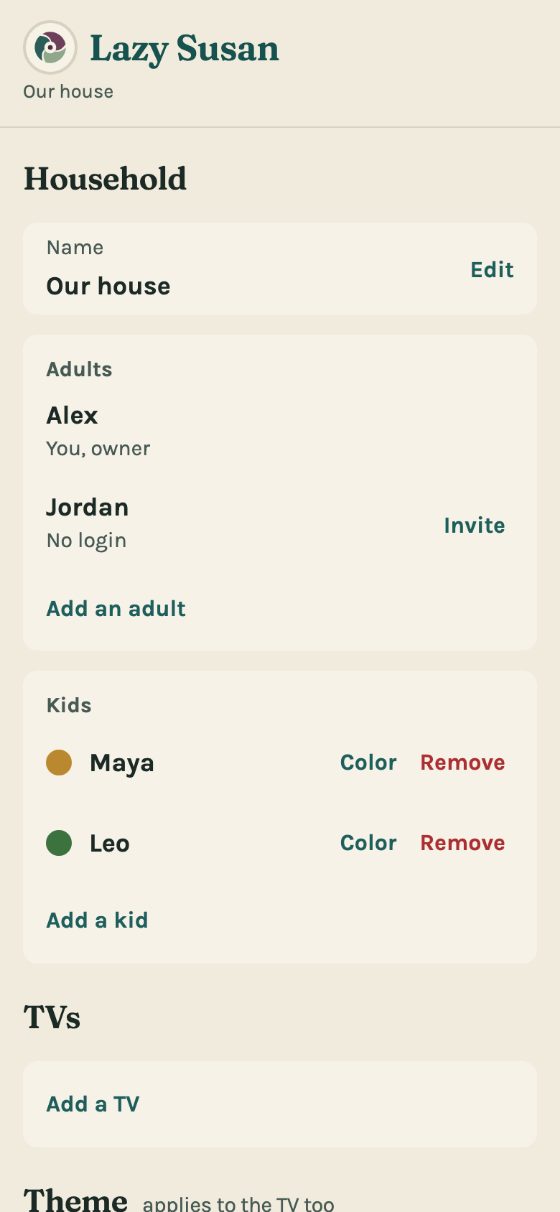
- 3
The TV shows an 8-character code and a QR. Scan it, or type the code into your phone under Settings, Add a TV. The code lasts 10 minutes.
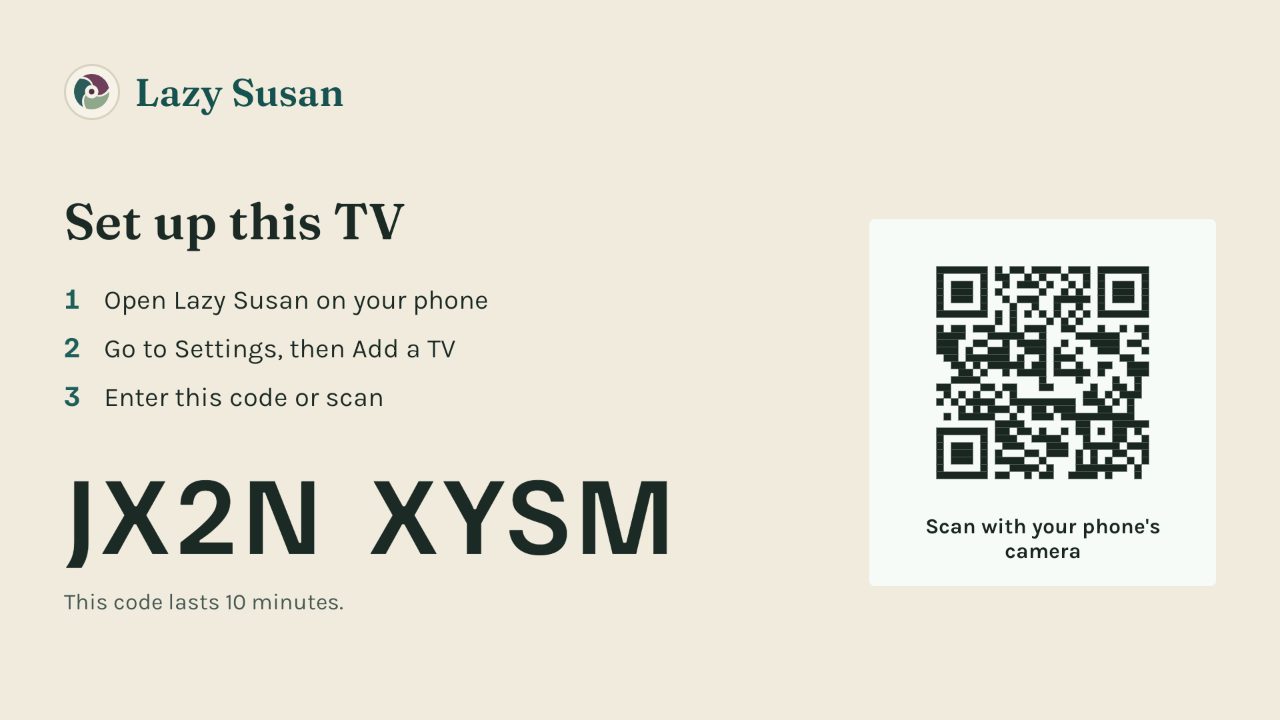
- 4
Add Lazy Susan to your phone's home screen so it opens like an app. On an iPhone: Share, then Add to Home Screen. On Android: the browser menu, then Add to Home screen.
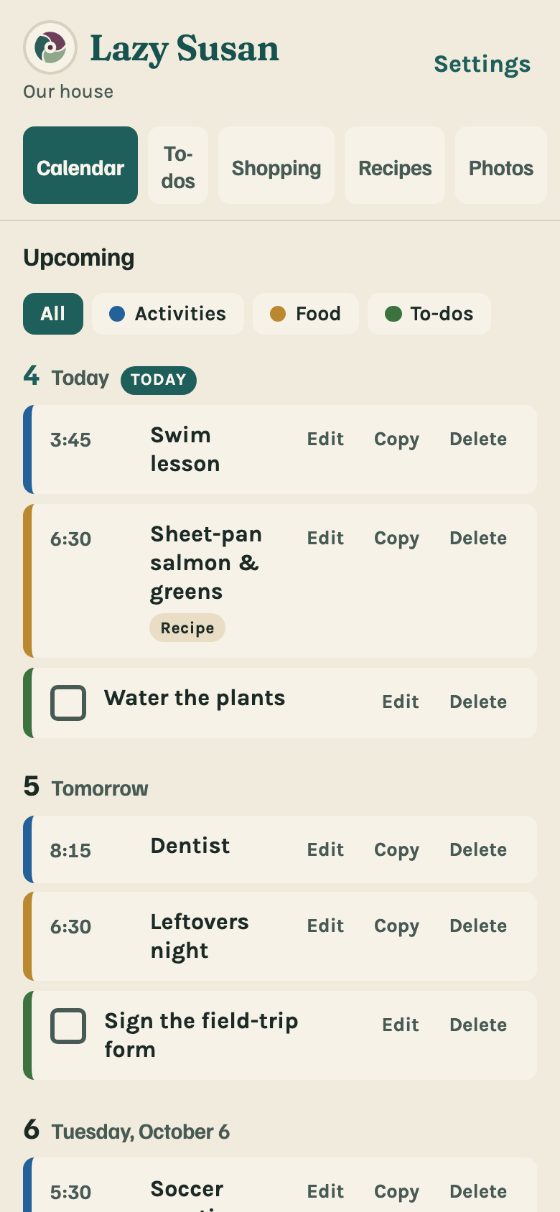
- 5
Add an activity, a meal or a to-do. It reaches the TV in about ten seconds. If nobody has touched the remote for half an hour, it can take up to a minute.
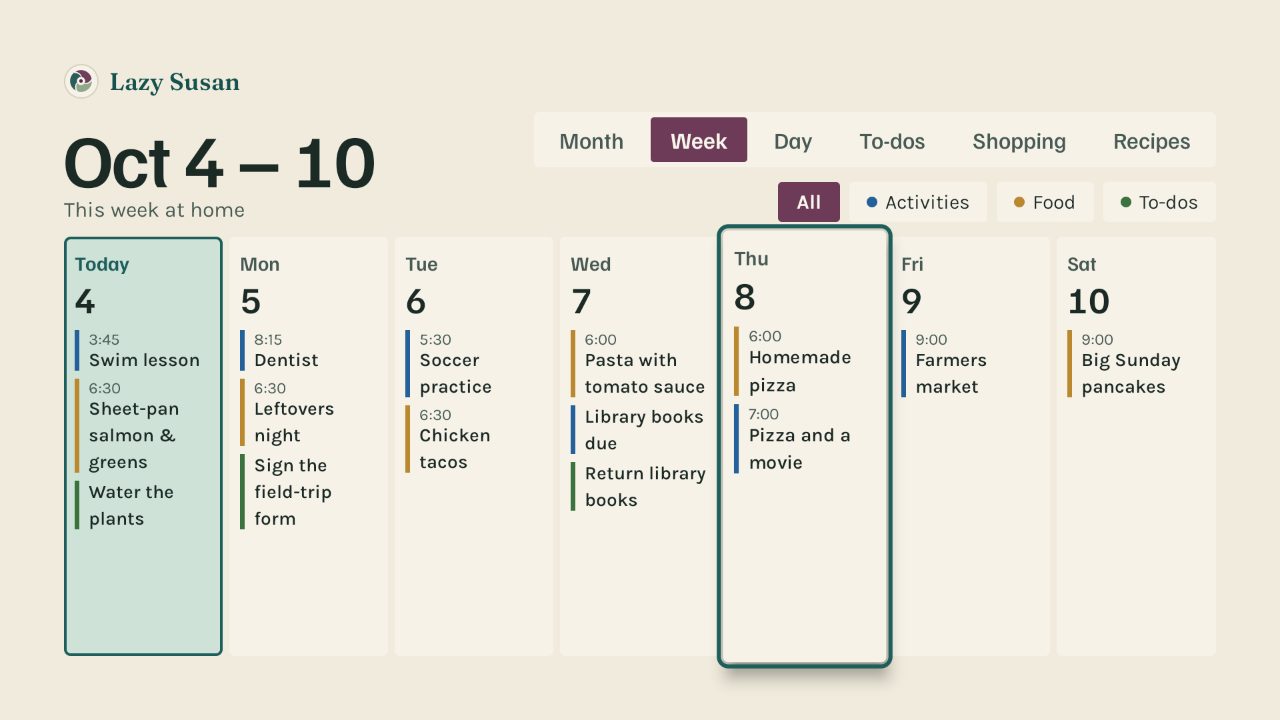
- 6
Invite the other adults from Settings. Each invitation is for one email address, works once, and lasts 7 days.


What you need
- A Fire TV that runs Fire OS: a Fire TV Stick 4K Plus, 4K Max, or first-generation HD, a Fire TV Cube, or a TV with Fire TV built in.
- A phone or a computer with a web browser.
- An email address.
- You must be 18 or older and in the United States.